

In today’s digital world, standing out online matters more than ever. Whether you’re crafting an Instagram bio, designing a poster, or simply spicing up your messaging app status, having unique text styles can make a big difference. A font changer serves as a handy solution for transforming ordinary words into something eye-catching and memorable. This guide covers everything you need to know about font changers, from basic concepts to practical applications, helping you elevate your content without hassle.
What Exactly Is a Font Changer?
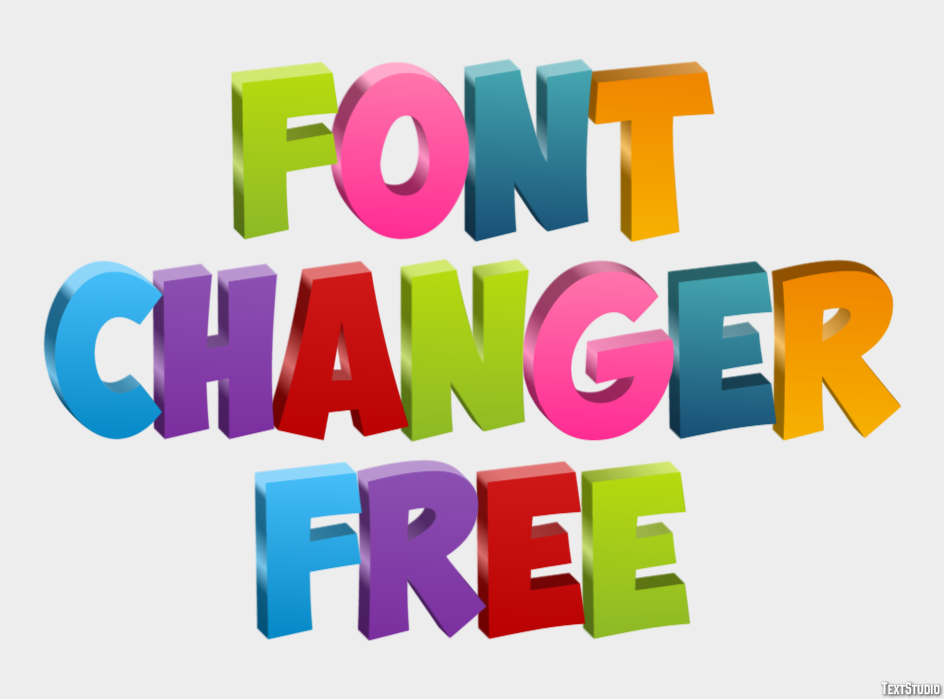
A font changer is a tool or application designed to modify the appearance of text by converting standard characters into stylized versions. These often rely on Unicode characters—special symbols that look like different fonts but work across many platforms. Unlike traditional typography software that requires installation and design knowledge, most font changers operate simply through web browsers or mobile apps.
Users type in plain text, select a style, and copy the result for immediate use. Popular variations include bold, cursive, gothic, bubble, and even decorative effects with symbols. This makes a font changer perfect for quick enhancements rather than professional typesetting.
The technology behind these tools maps regular letters to visually similar alternatives from the Unicode standard, ensuring compatibility on Facebook, Instagram, Twitter, Discord, and more. Some advanced options extend beyond text to support image overlays or document formatting.
Key Benefits of Using a Font Changer
Incorporating a font changer into your routine brings several advantages that boost creativity and engagement:
- Enhanced Visual Appeal: Plain text can look boring. Stylized versions grab attention in crowded feeds and profiles.
- Better Engagement: Posts with unique fonts often see higher interaction rates as they stand out.
- Ease of Use: No graphic design skills needed—just type, convert, and paste.
- Versatility: Works for bios, captions, usernames, emails, and even gaming profiles.
- Accessibility Options: Certain tools help customize text for better readability on different devices.
- Time Savings: Instant results compared to manual editing in design programs.
- Free Availability: Many high-quality options require no payment or registration.
These benefits make font changers popular among students, marketers, content creators, and casual users alike.
How Does a Font Changer Work?
The process is straightforward and user-friendly. Here’s a step-by-step breakdown:
- Visit a reliable online font changer website or open a dedicated app.
- Enter your desired text into the input box.
- Browse through generated style previews—ranging from elegant scripts to bold block letters.
- Click to copy the converted text.
- Paste it wherever needed, such as in social media posts or messages.
Most tools update previews in real-time, allowing experimentation with multiple styles before finalizing. Some include additional features like emoji integration or symbol combinations for extra flair.
For mobile users, dedicated keyboard apps integrate font changing directly into typing, enabling on-the-go customization without switching apps.
Popular Font Changer Tools and Options
Several excellent tools cater to different needs. Here are some standout choices:
- Online Web-Based Tools: Platforms like Font Changer.net and similar generators offer dozens of styles with one-click copying. They excel for quick social media updates and support a wide range of decorative fonts.
- FontSpace Generator: Provides clean interfaces and numerous variations suitable for Instagram bios and Facebook messages.
- Mobile Apps: Apps such as Fonts Keyboard & Changer or PixelLab allow text styling with added effects like shadows and 3D elements, ideal for image captions.
- System Font Changers: For device-wide changes, tools like Advanced System Font Changer on Windows or zFont on Android let users customize overall interface text appearance.
- Specialized Generators: Options focused on specific aesthetics, such as cursive or gothic, help match particular moods or branding.
When selecting a tool, prioritize those with minimal ads, good mobile support, and consistent cross-platform results. Always test pasted text in your target platform to ensure it displays correctly.
Using a Font Changer for Social Media Success
Social platforms thrive on creativity, and a font changer helps your content shine. For Instagram, fancy text in bios and stories creates a professional yet fun vibe. On Facebook, styled captions draw more likes and comments. Twitter (X) users benefit from eye-catching threads, while Discord servers gain personality through customized nicknames and messages.
Best practices include:
- Keeping text readable—avoid overly complex styles for long paragraphs.
- Combining with emojis for balanced visuals.
- Testing on different devices since rendering can vary slightly.
- Using sparingly to maintain impact rather than overwhelming followers.
Many creators build entire themes around specific font families to strengthen personal branding.
Font Changers in Documents and Design Projects
Beyond social media, font changers prove valuable in professional and creative work. In Microsoft Word or Google Docs, you can apply styles manually, but online tools help generate special text for titles or highlights that you then import.
For images and graphics:
- Add styled text overlays using apps like Phonto or Adobe Express alternatives.
- Create custom thumbnails, memes, or posters.
- Export results as images for consistent appearance across platforms.
Designers sometimes use these tools for inspiration before refining in full-featured software like FontLab or open-source editors.
Tips for Getting the Most Out of Your Font Changer
To maximize results, consider these practical suggestions:
- Experiment Freely: Try mixing styles within the same project for dynamic effects.
- Focus on Readability: Ensure your audience can easily read the message—legibility matters most.
- Backup Original Text: Keep plain versions handy in case stylized text doesn’t paste perfectly.
- Stay Updated: New Unicode styles appear regularly, so revisit tools occasionally.
- Respect Platform Rules: Some communities discourage excessive styling; use judgment.
- Combine with Other Tools: Pair font changers with color pickers or background editors for complete designs.
- Privacy First: Avoid entering sensitive information in online converters.
Following these tips ensures smooth experiences and professional-looking outputs every time.
Common Challenges and Solutions
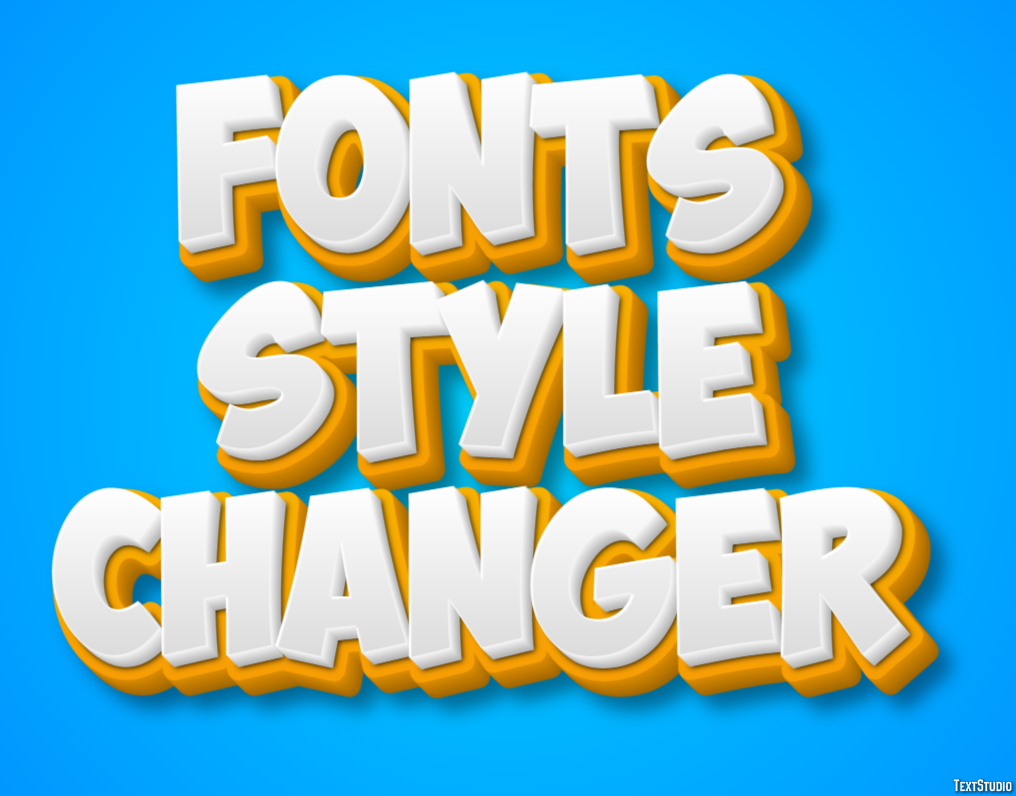
Users occasionally face issues like text not displaying correctly after pasting or limited style options. Solutions include switching tools, clearing browser cache, or using dedicated apps instead of web versions. For system-wide changes, check device compatibility—Android offers more flexibility than iOS in this area.
Accessibility remains important. While fun fonts enhance creativity, prioritize clarity for broader audiences, especially in educational or business contexts.
Advanced Applications and Creative Ideas
Creative professionals leverage font changers for unique projects:
- Personalized greeting cards and invitations.
- Gaming usernames and clan tags.
- Educational materials with engaging headers.
- Marketing materials like flyers and social ads.
- Custom merchandise designs.
The variety of available styles—from retro to modern—sparks endless inspiration. Some users even create signature looks that become part of their online identity.
Conclusion
Mastering a font changer opens doors to more engaging and personalized digital communication. Whether enhancing social media presence, improving document visuals, or simply having fun with text, these tools deliver quick, effective results. By understanding the options, benefits, and best practices outlined here, you can confidently transform everyday words into standout creations. Start exploring today and watch your content gain new life through stylish, eye-catching fonts. With consistent practice, you’ll discover countless ways to express yourself uniquely across all your online activities.

